


![[*]](http://sepwww.stanford.edu/latex2html/cross_ref_motif.gif) shows a single synthetic event. When the
user presses the button in the caption they are asked to choose an NMO
velocity to flatten the event. Here is the xtpanel file that specifies
the interactive program.
shows a single synthetic event. When the
user presses the button in the caption they are asked to choose an NMO
velocity to flatten the event. Here is the xtpanel file that specifies
the interactive program.
button={ label=QUIT action=QUIT }

slider={ label="Select a velocity for NMO"
     min=1 max=5 value=2 format="%.2f" width=300
    action="NMO <Dat/nmoin.H vel=$(val) |              Wiggle title=""velocity=$(val)"" pclip=100 | Tube numcol=16 &"
}

message={ value=" hit ""ok"" to run the program " }
|
nmo
Figure 3 A synthetic dataset, click on the button to choose the correct NMO velocity. | 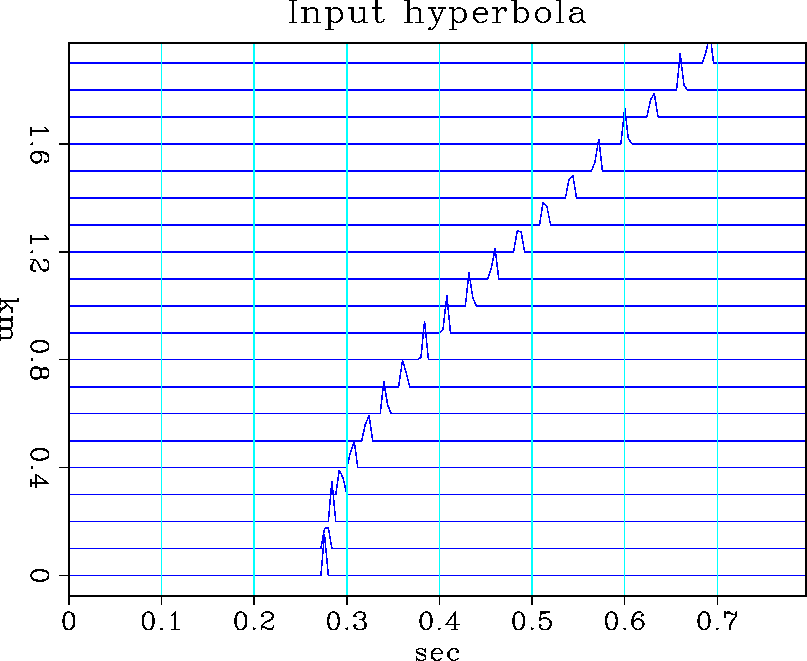 |


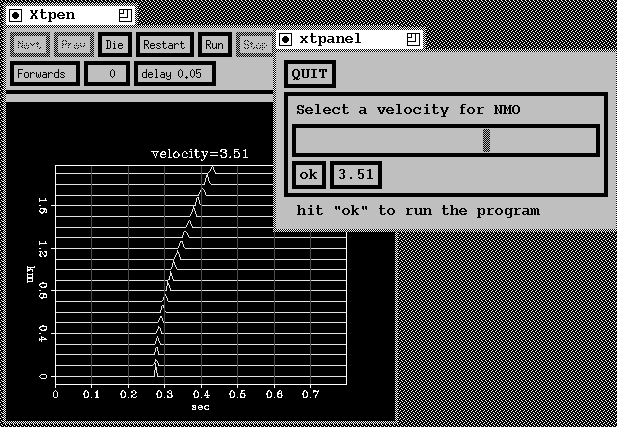
When the user clicks on the OK button the data has NMO applied at the chosen
velocity and the result is displayed on the screen. Fig shows the
interactive panel in use.
 |